
One field app for building staff, from the first stop to the final report.
Guards, cleaners and maintenance teams see assigned locations, answer checklists and record issues as they work. Supported sensors help establish where and when activity took place; managers can review the resulting record.
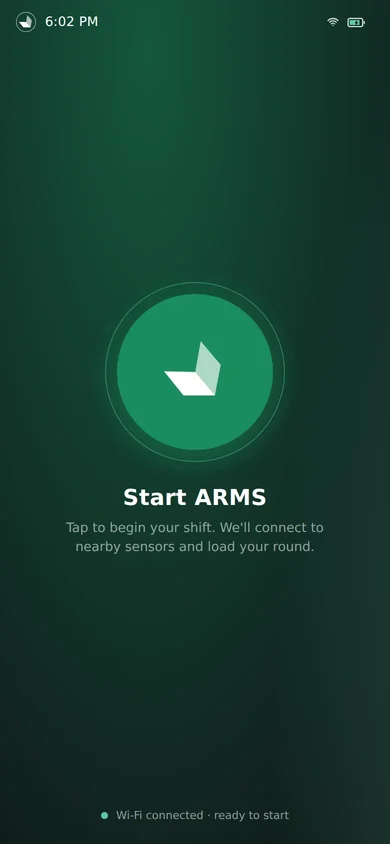


Built for the garage, the stairwell and the roof.
Works offline
Rounds, notes and forms keep working with no signal, and sync when the connection returns.
Location evidence
Supported sensors and device signals help record when staff reach locations, including areas where ordinary GPS is unreliable.
Location-pinned notes
Text, photo and video notes, each pinned to the exact spot where it was recorded.
Calls that stay on site
Audio calls between staff stay on the building's own network, never routed over cellular. Ring a team and the first to accept takes it.
Hand-off mid-round
Hand the phone to another staff member mid-round without losing the record.
Reviewable records
Submitted rounds retain the recorded activity and any later additions, giving managers a history to inspect.
One tap per question. A permanent record per stop.
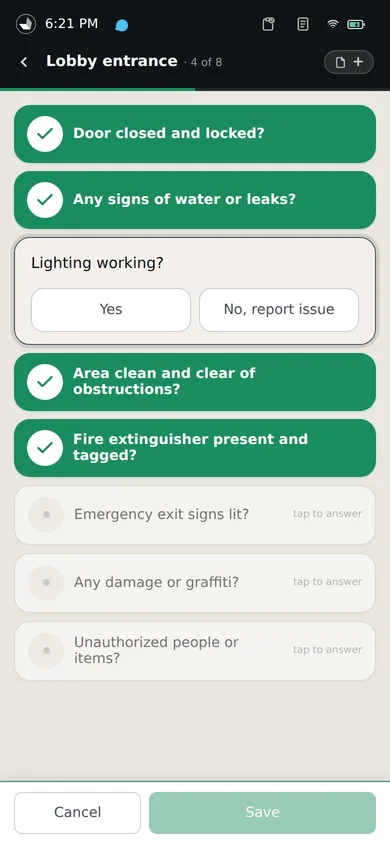
Each stop has its own short checklist. An issue opens a note, a photo or a form on the spot, and once the round is submitted the record can only be added to, never edited.
One app for every team on site.
Security
Night rounds with automatic check-ins, incidents logged on the spot, and hand-offs between shifts.
Cleaning
Cleaning routes proven stop by stop, with photos where it matters.
Maintenance
Work orders received, performed and closed from the phone, with before-and-after photos.
Supervisors
See where the team is, what is done and what was missed, and call or message anyone on site.
Every round becomes a report the owner can read.
What the app records becomes the morning report: slots, checkpoints, gaps and late filings, credited to the time the work was actually done.
Download a sample round report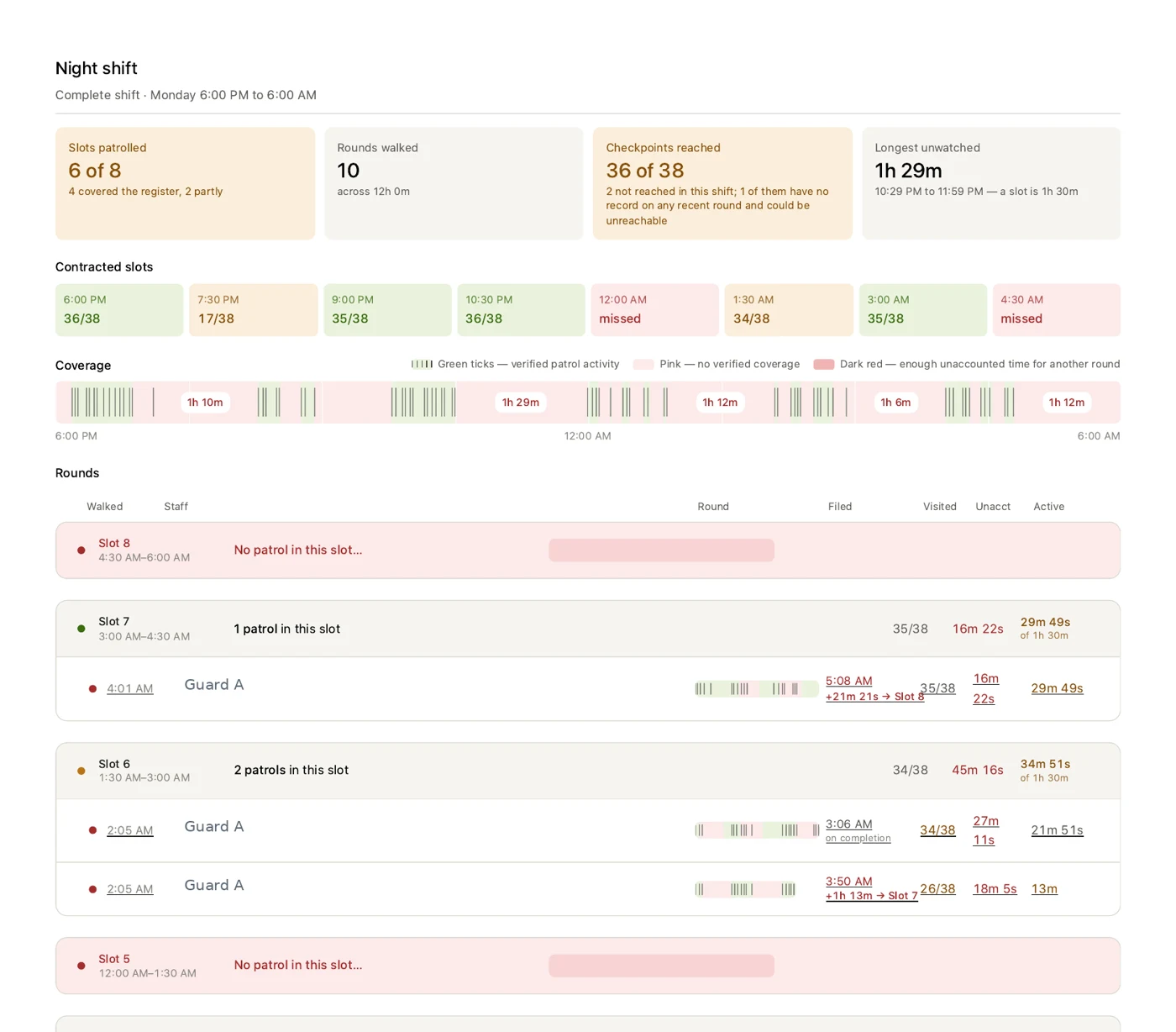
What teams ask first.
Do staff need to tap tags?
No. ARMS Sensors detect them as they move through the building.
Does calling need a phone plan?
No. Calls are audio between staff apps and stay on the building's own network.
Does it work offline?
Yes. Everything keeps working offline and syncs when the connection returns.
The record follows the person, not the handset.
User identity is separate from device identity.
Field readings are associated with the signed-in user while device identity remains a secondary attribute, so a replacement or shared handheld does not become the person.
A dead phone does not split one employee into two histories.
Interrupted work is preserved, not silently discarded.
Cloud draft state supports device handoff, and an expired session is archived rather than deleted when the worker has to start fresh.
A broken phone should not erase the audit trail of the round already underway.
Photos support known work instead of guessing what they show.
Captured media is attached to the inspection or task context that the worker was already performing; photo capture is evidence, not automatic object recognition.
The camera documents the work without pretending image AI identified the job for you.